Everyone has a phone.
And you still printing menu?
Beautiful QR menus that let your guests browse, order, and pay — no app download needed. Set up in minutes.
Saves your time.
Earns you money.
- Digital menu reduces the need for waiters and automates orderings
- Personnel costs and order processing speed are significantly reduced
- Automation, speed, efficiency and accuracy save a significant part of the budget


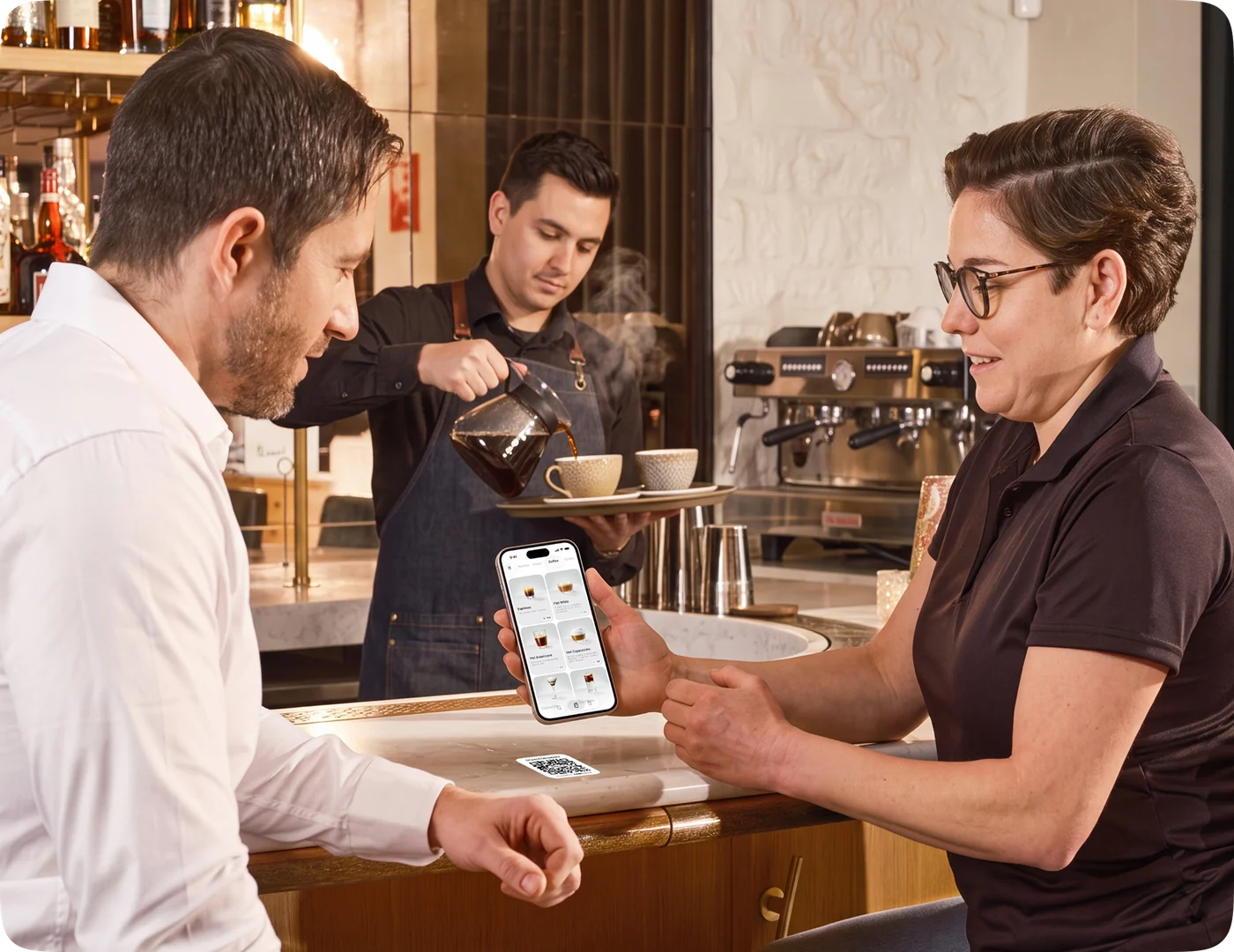
Simple, easy to set up.
Three steps to digitize your restaurant menu
Upload Your Menu
Add your dishes with photos, descriptions, and prices. Organize into categories.
Print QR Codes
Generate unique QR codes for each table. Print and place them - that's it.
Guests Order Instantly
Guests scan, browse your menu, and place orders. No app download required.


Modern design
that sells.
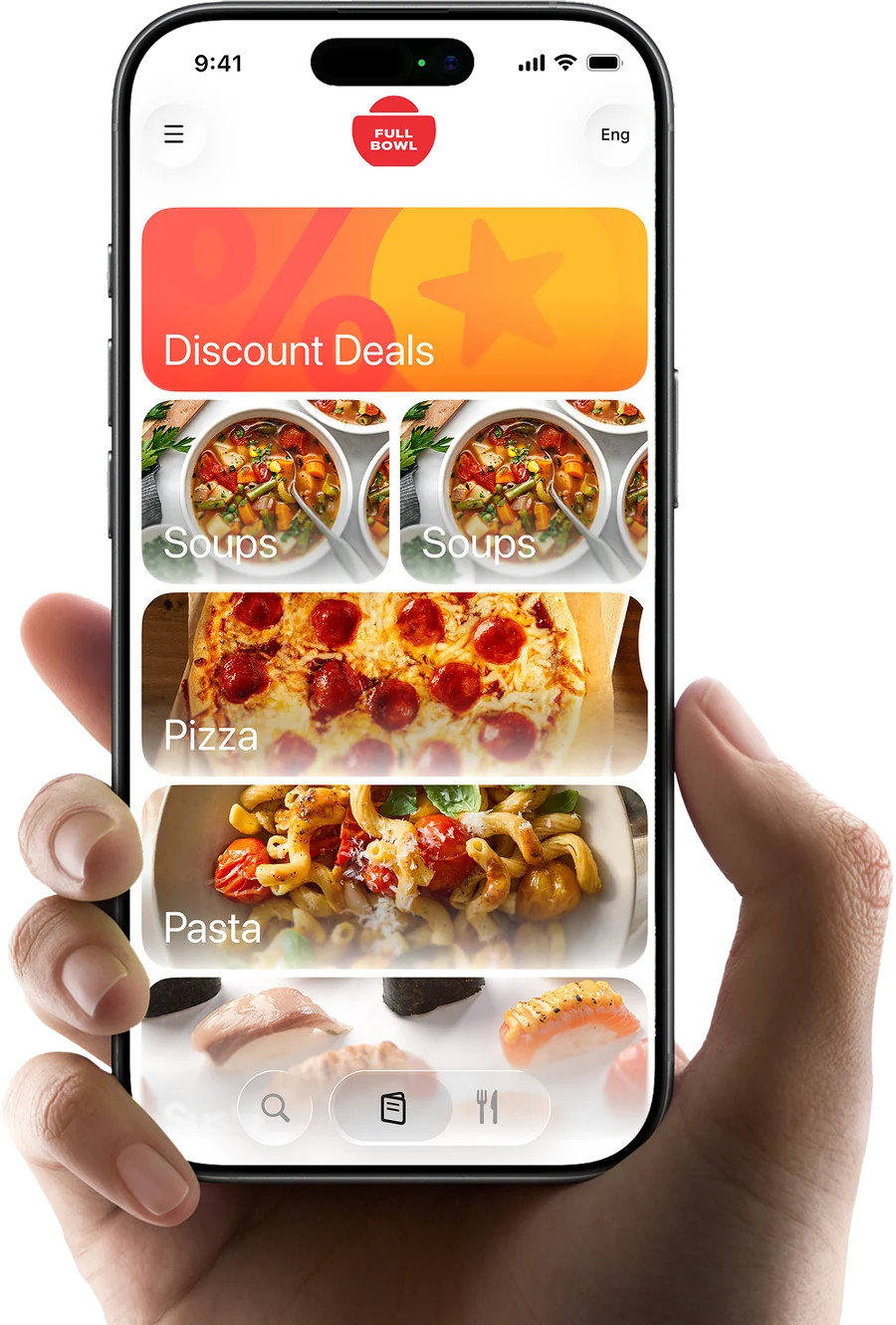
Beautiful visual solution that meets the latest trends.
- Easy to use for customers and staff
- Intuitive interface
- Adaptive two color scheme


Exclusive features, that nobody has.
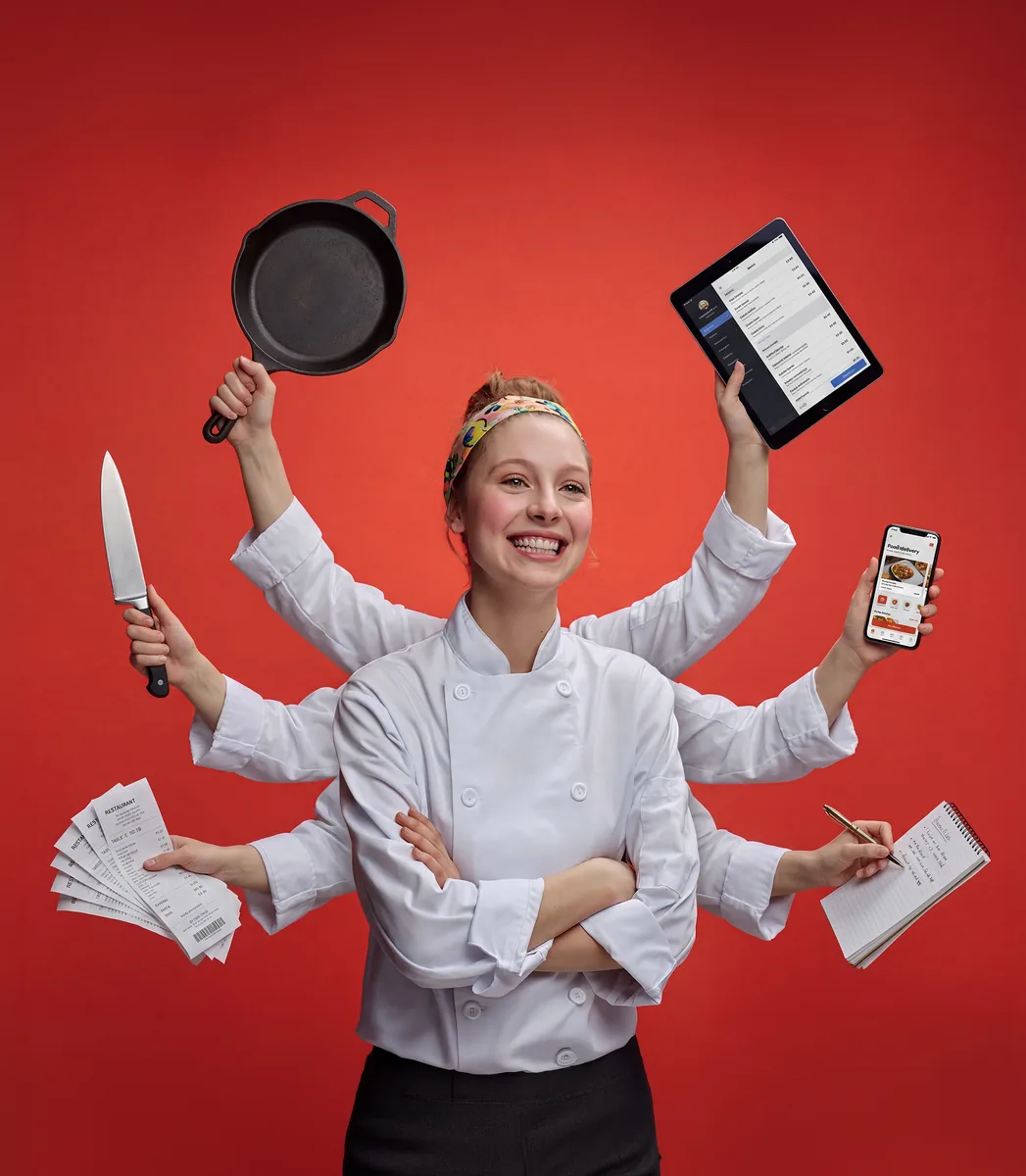
Get Three Products in One
A digital menu, a business landing page, and links to your products on Google Maps — add your menu and location all in one place.
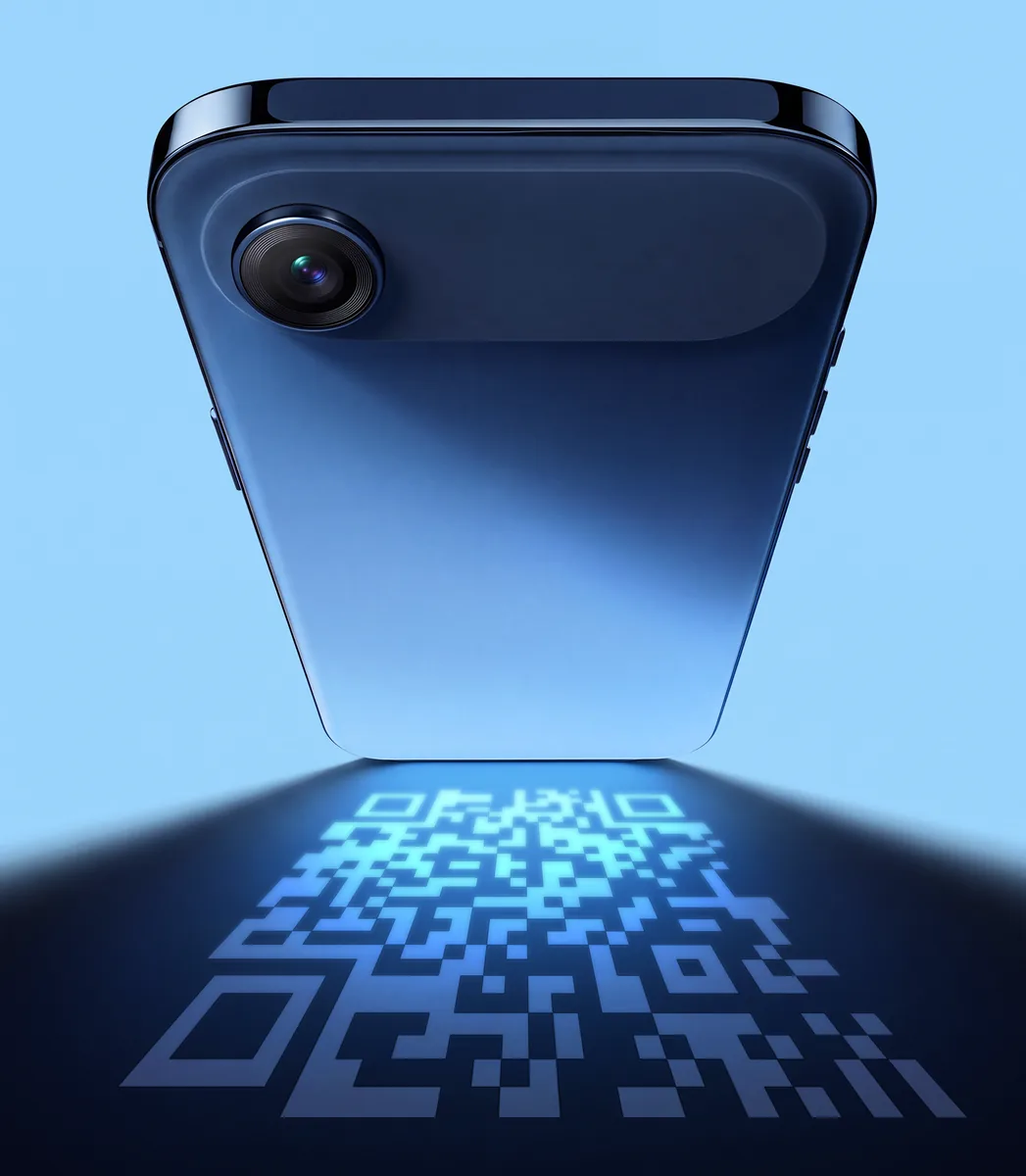
No App Needed
Guests just scan the QR code with their phone camera. Works on any device, instantly.
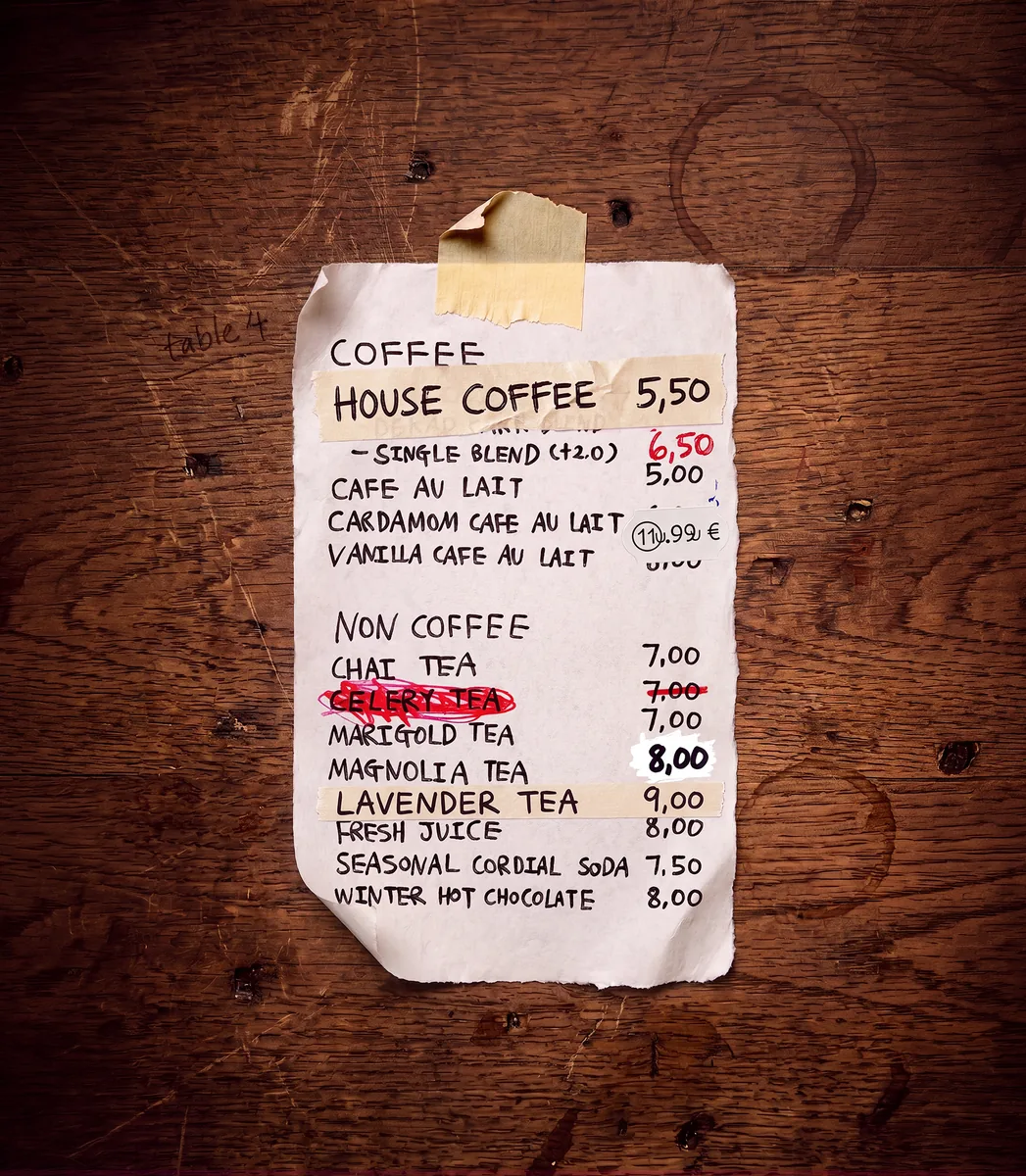
Instant Changes & Add-ons
No need to reprint or cross out your paper menu. Add, remove, or change prices and photos anytime, and run special offers or sales in seconds.
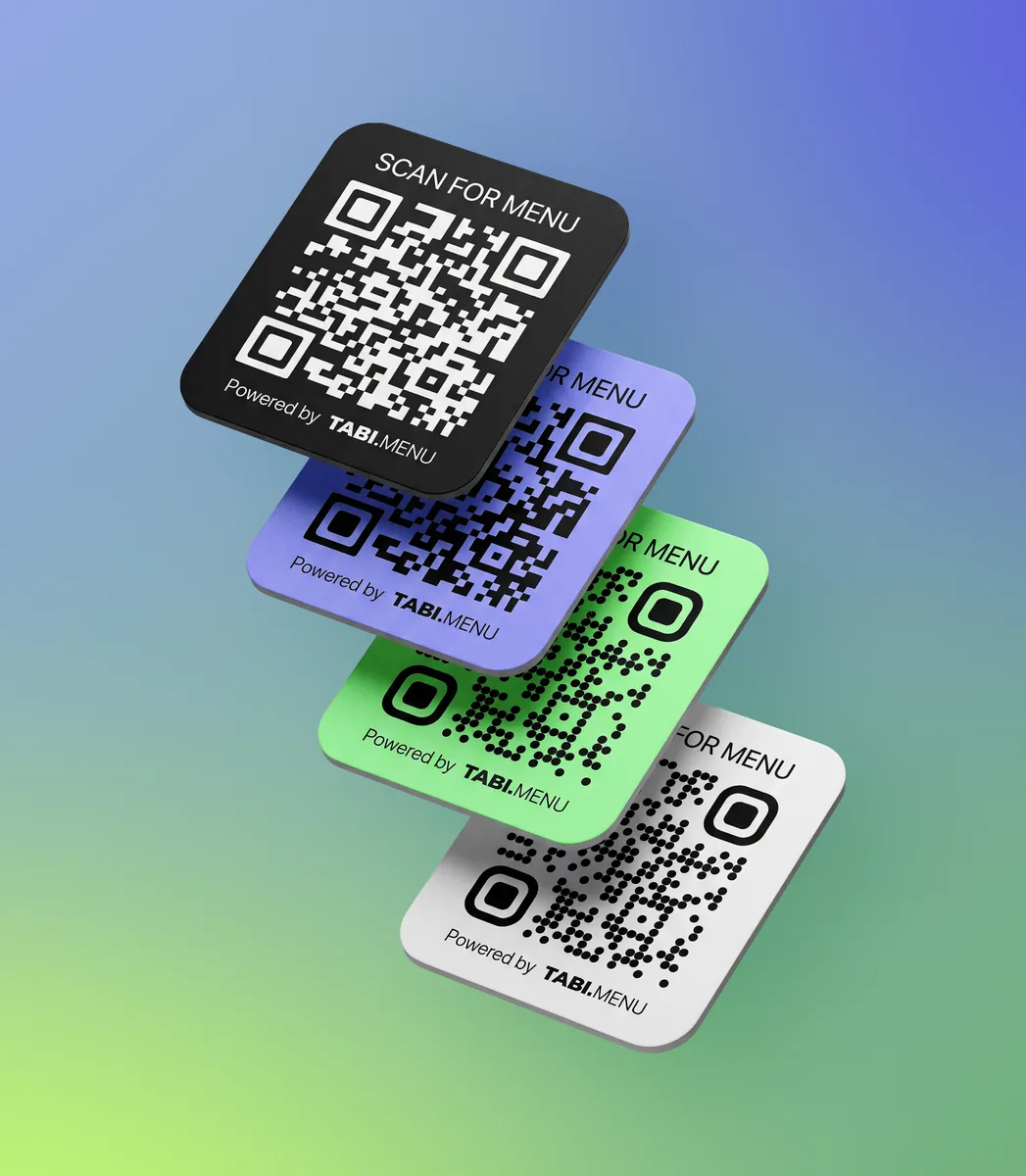
QR Codes, Your Style
Get your QR codes designed and ready to print, in different styles and color schemes to match your brand.
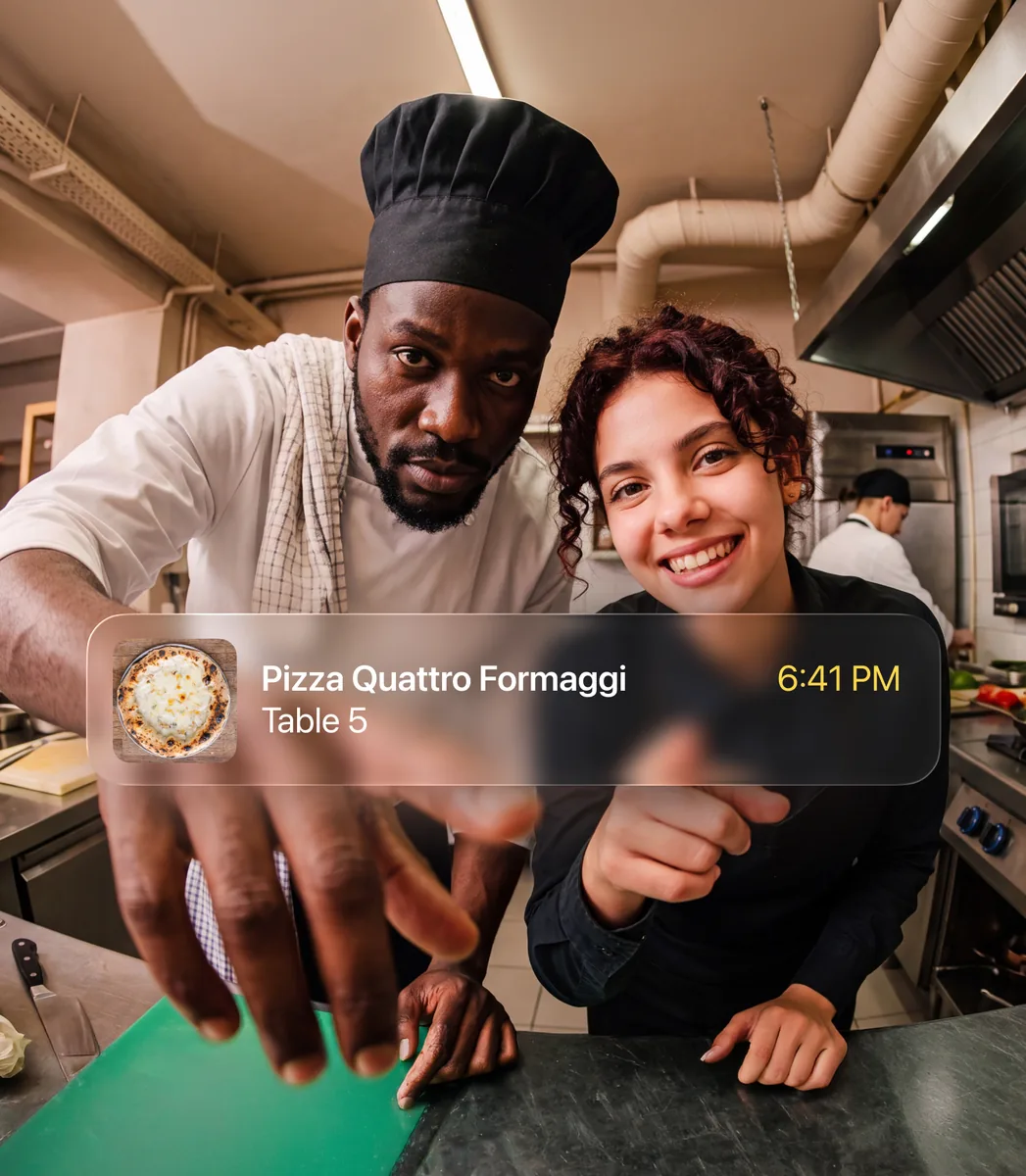
Real-time Orders
Orders appear instantly on the staff dashboard via live updates. No refresh needed.

Staff Dashboard with an Easy Interface
Kanban-style order management for your team. Drag orders through stages from new to done.
Analytics
Track popular items, peak hours, and order volume. Make data-driven menu decisions.
Who we're built for?
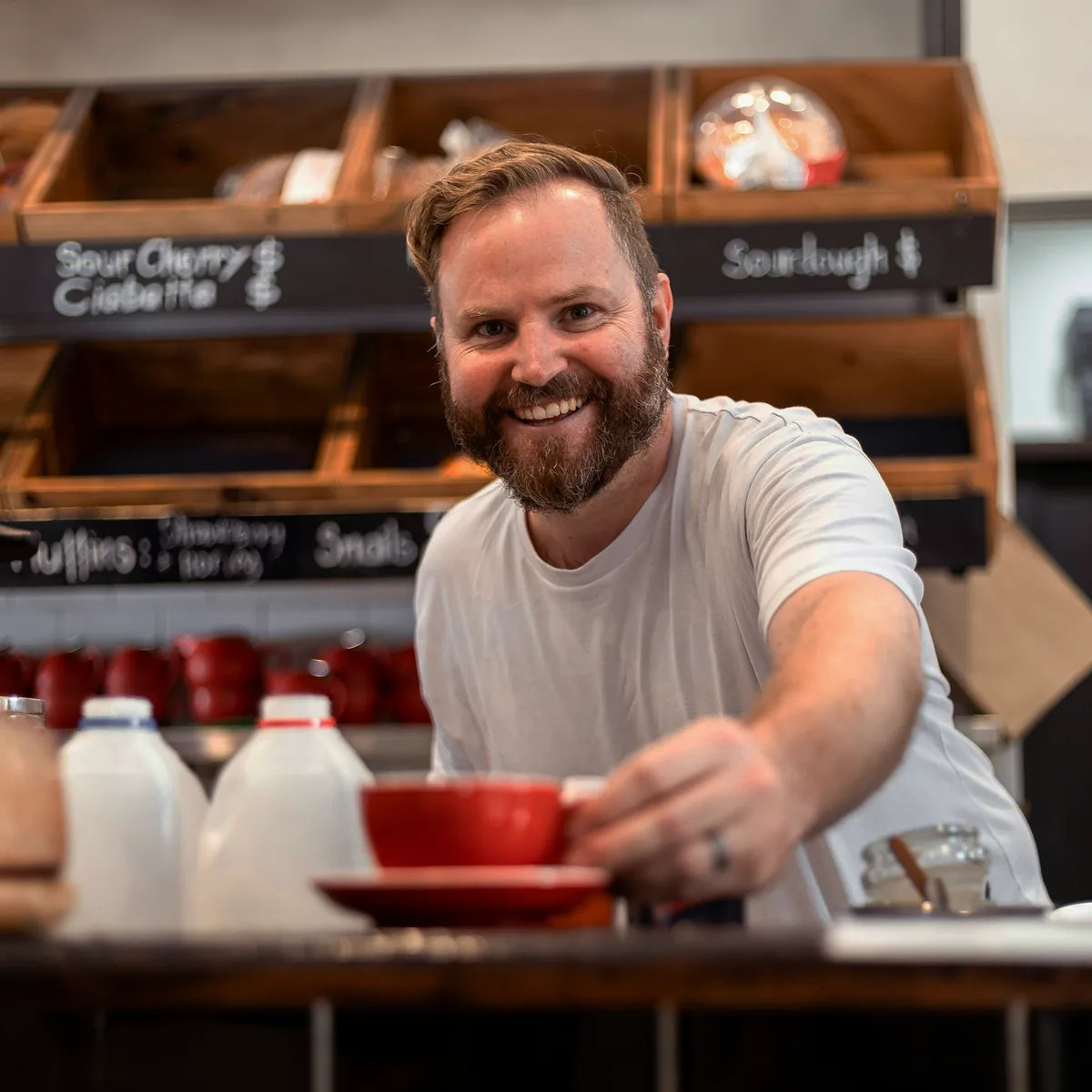
Small venues
A few tables, no spare time. Upload the menu, print the codes, open the same day.
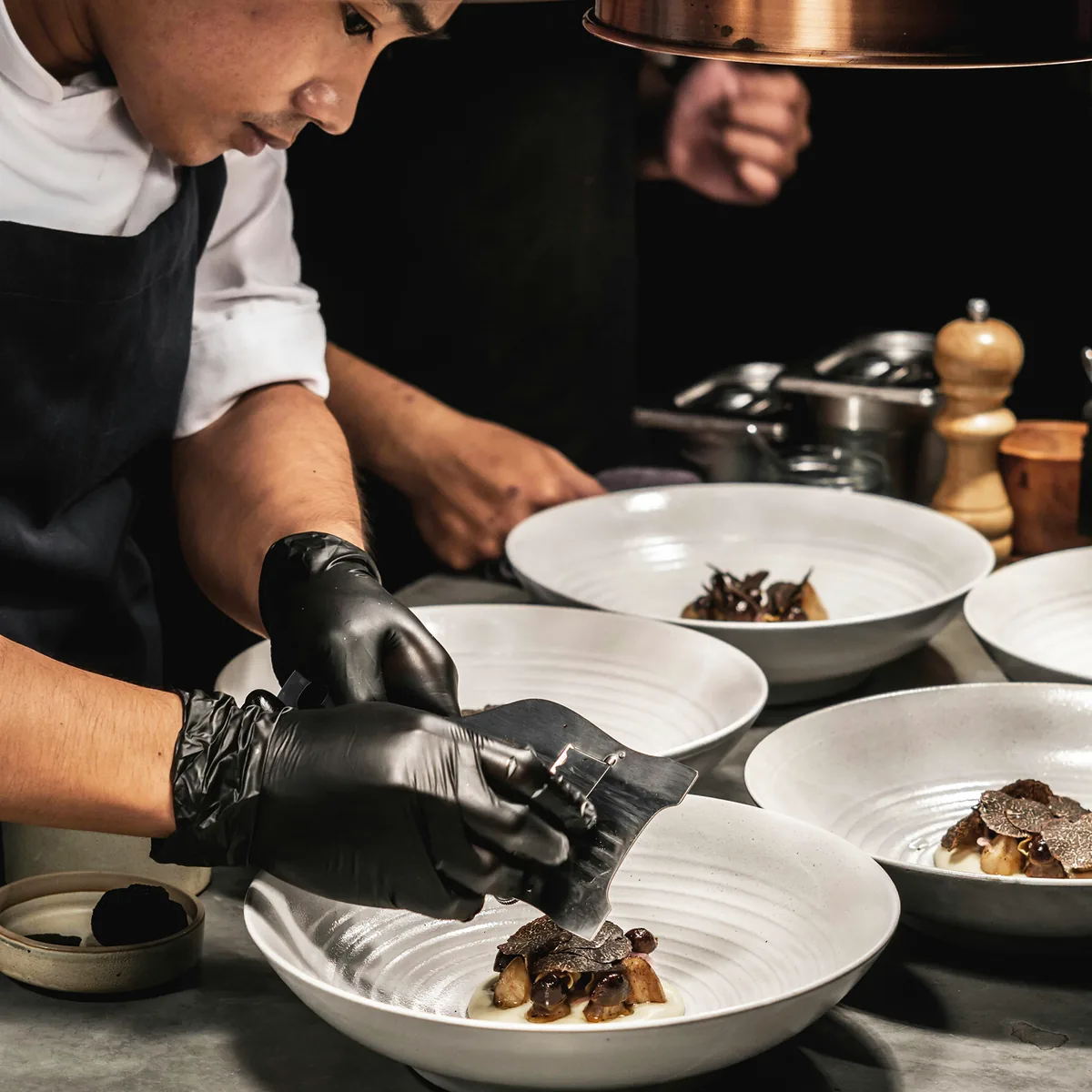
Cafes and restaurants
Full service at pace. Automate orders, cut the paper, turn tables faster every night.
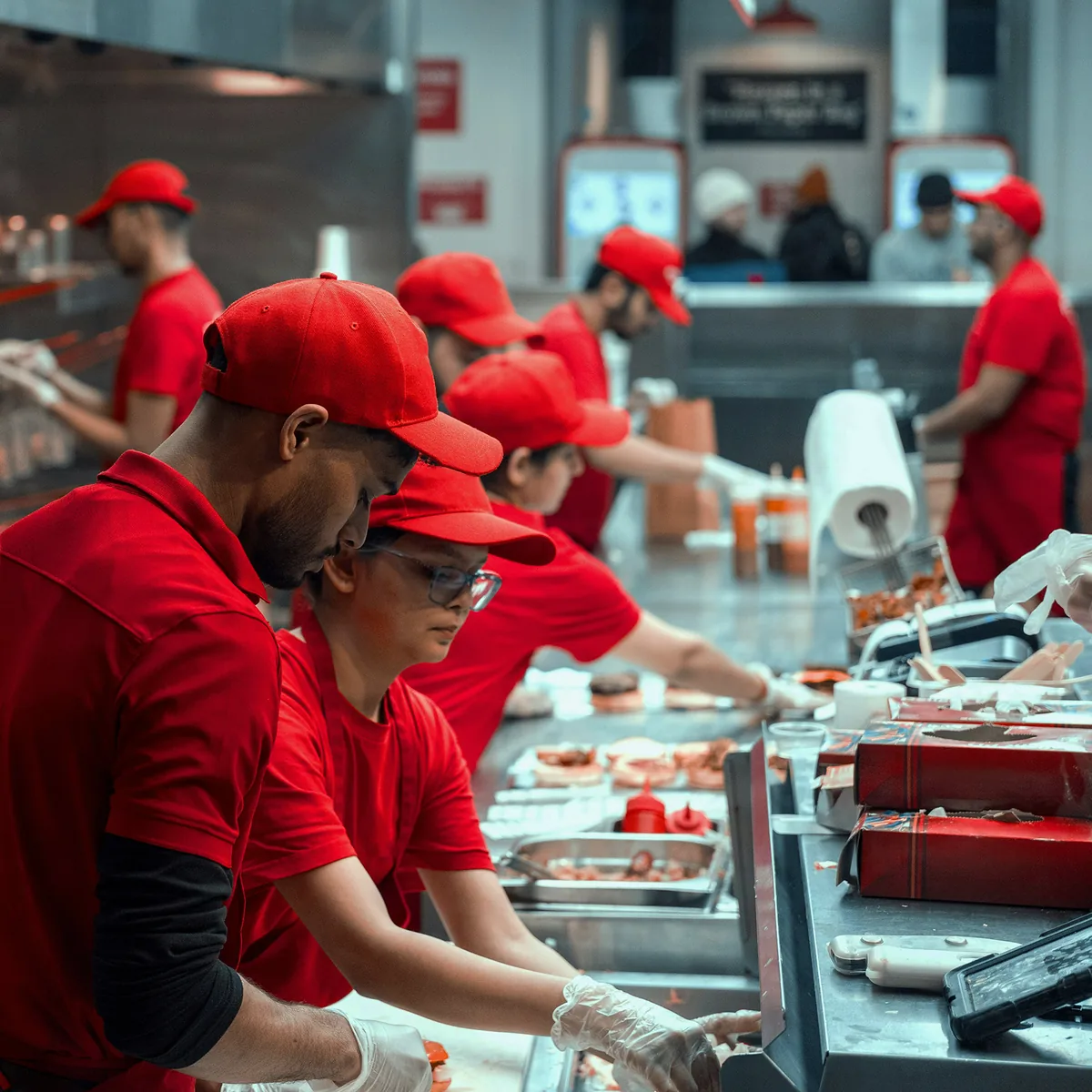
Groups and chains
Every venue in one place. Compare them side by side, change a price everywhere at once.
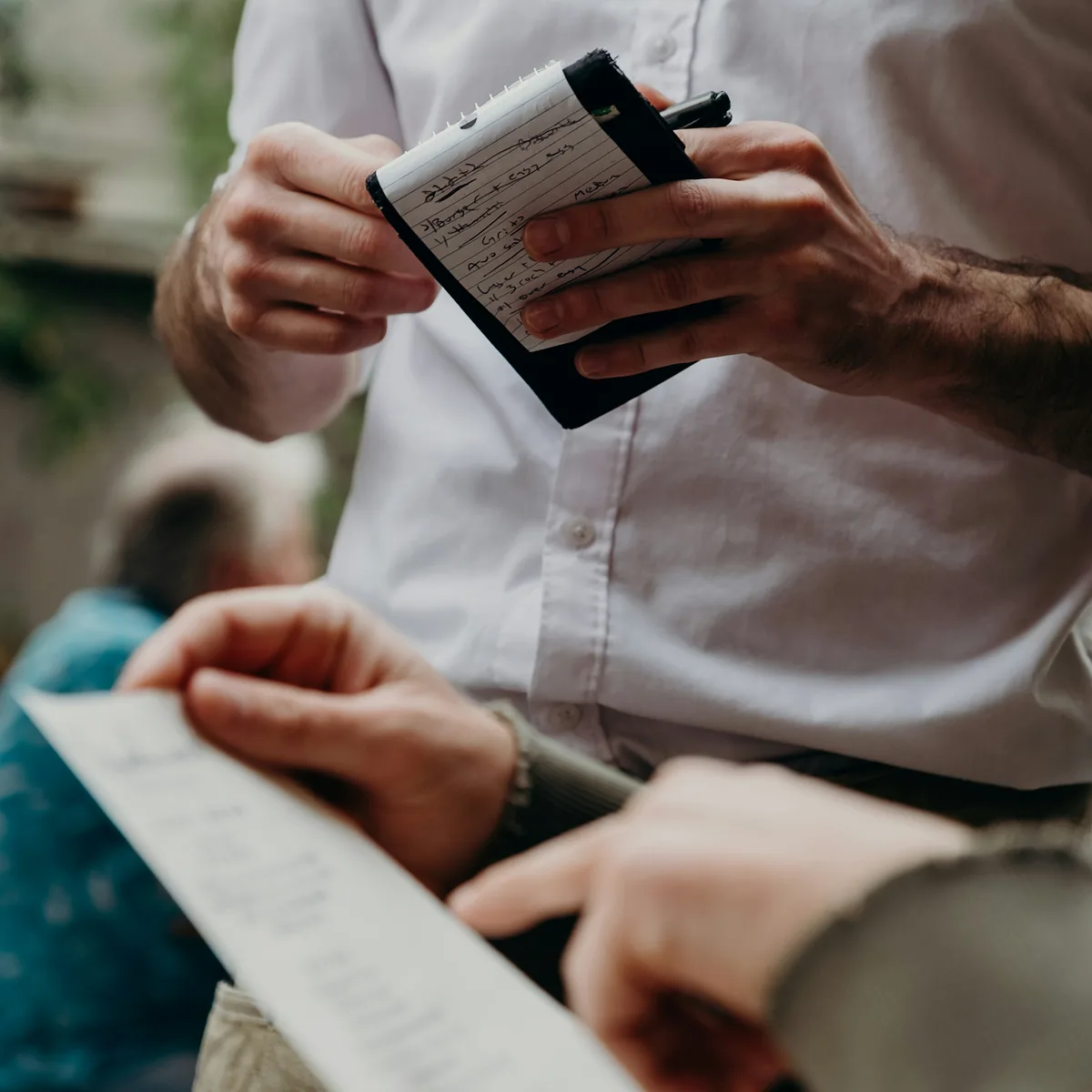
Anyone going digital
Swap paper for numbers. See what sells, drop what does not, run it all from your phone.
See it in action.
Try our 100+ items demo menu -
scan the QR code or click it.
Clear, fair pricing.
14-day free trial. No hidden fees. No per-order charges. Cancel anytime. See all the prices
Trial
Up to 10 tablesTry Tabi for free and see exactly how it works before you commit.
- 1 owner, 1 manager, 3 staff
- QR code per table
- Full menu management
- Real-time order dashboard
- Basic analytics
Starter
Up to 10 tablesFor small cafes, bars and coffee shops run by a couple of people.
- 1 owner, 1 manager, 3 staff
- QR code per table
- Full menu management
- Real-time order dashboard
- Basic analytics
Pro
Up to 25 tablesFor the everyday restaurant — the size most venues actually are.
- 1 owner, 3 managers, 10 staff
- Everything in Starter
- Priority support
- Advanced analytics
- Custom branding
Extra
Up to 60 tablesFor large venues with several rooms, a terrace, or more than one location.
- 1 owner, unlimited managers and staff
- Everything in Pro
- Up to 3 venues
- API access
- Dedicated support
- Custom integrations
Bigger than 60 tables? Several venues, a whole group, or something none of these four cover — we’ll put a plan together around what you actually run. Talk to us
Questions? Answers.
No. Guests use the phone they already have, and the order board runs in a browser on any tablet, laptop or spare phone. A thermal printer is the only optional extra, and only if you want paper tickets.
An afternoon for a normal menu. The longest part is the photographs — everything else is typing, and you can start taking orders before every dish has a picture.
Yes. Drop a spreadsheet and a folder of photos into the import and it builds the menu: each row takes the photo whose filename it names, and any category it mentions is created as it goes.
They point a phone camera at the code on the table, the menu opens in the browser, and they order from it. No app, no account, no waiting to catch someone’s eye.
Yes. A waiter can build an order for a table from the admin, and it lands on the same board as one placed from a phone. Nobody is forced through the QR.
Yes — pick one, pick any, or pick up to a number you set. The guest chooses on the same screen and the price follows, so the kitchen gets the whole instruction rather than a note.
Yes. A price, a photo or a whole dish changes the moment you save it, on every phone already holding the menu. Nothing is reprinted and nothing is crossed out.
One tap. It stops being orderable immediately, everywhere, and goes back the same way — which is the difference between a stop list and a conversation with every table.
Ten on the trial and the smallest plan, twenty-five on the next, sixty on the largest. Bigger than that is a conversation rather than a plan you cannot buy.
The board is a view of the server, not a copy of it. Reload it, or sign in on any other device, and every order is where it was — including the ones placed while that screen was dark.
It lives in a managed Postgres database with daily backups, reached only over HTTPS, and the venue is yours — nobody else’s account can read it.
Singapore. If your business needs it somewhere specific, tell us before you sign up rather than after — it is a decision we make deliberately, for a named customer.
Get in touch.
Have a question or need help? Drop us a message and we'll get back to you.